qr88 Deposit Guide: Fund Your Account in 3 Minutes
By the end of this guide you will know exactly which payment method suits you, how to complete the steps without errors, and what to do if your deposit does not go through.
- SSL Encrypted
- Arrives in 3 Min
- Min RM20
- 24/7 Support
- 18+ · Play Responsibly
Every Way to Deposit at qr88
qr88 supports four payment methods that Malaysian players use every day. All of them accept a minimum deposit of RM20 and credit your gaming wallet within 3 minutes.
- Touch 'n Go eWallet ~3 min Min RM20
- DuitNow ~3 min Min RM20
- FPX Online Banking ~3 min Min RM20
- Bank Transfer ~3 min Min RM20
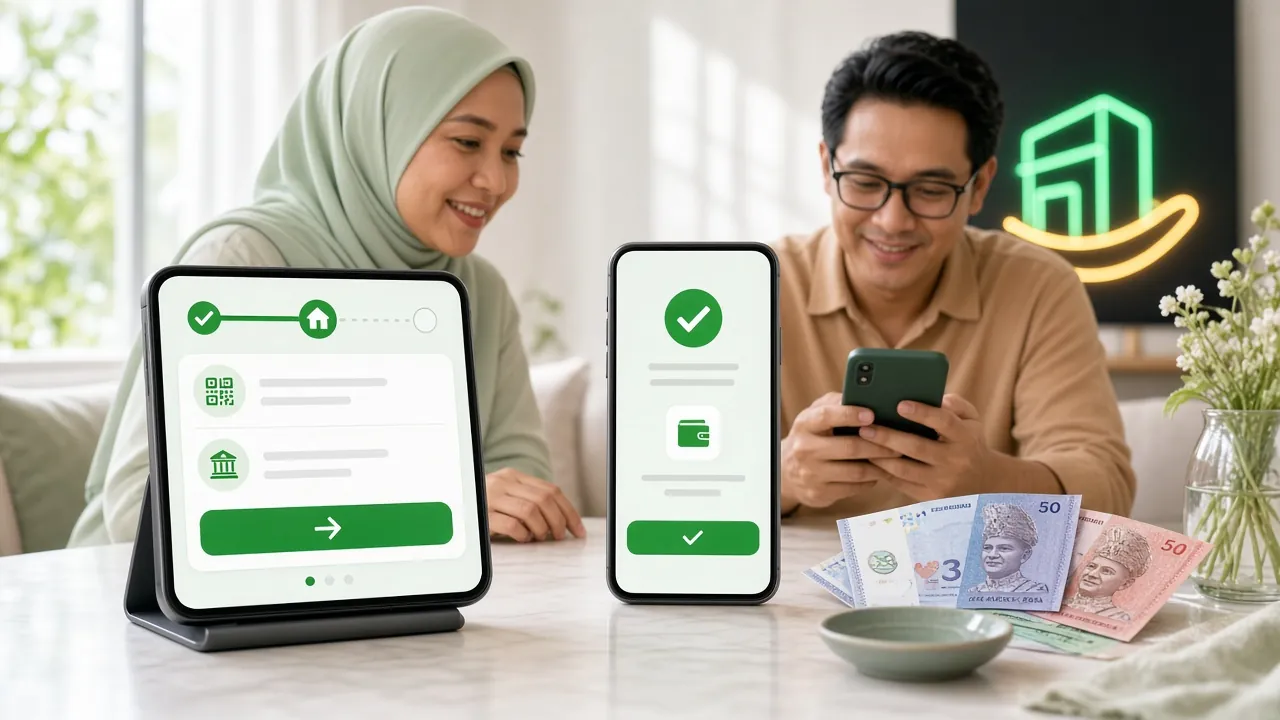
Touch 'n Go eWallet — Deposit Steps
This is the most popular option among Malaysian players because the money comes from your eWallet balance instantly. Make sure your TnG eWallet has sufficient funds before you start.
-
1
Log in to qr88
Open qr88 on your browser or the qr88 App. Enter your username and password, then tap Log In.
-
2
Open the Deposit Page
Tap the wallet icon or select Deposit from the main menu. The deposit options screen will appear.
-
3
Select Touch 'n Go eWallet
Choose Touch 'n Go eWallet from the list of payment methods. A QR code or a redirect link will be generated.
-
4
Enter the Deposit Amount
Key in the amount you want to deposit. The minimum is RM20. Double-check the figure before proceeding.
-
5
Scan or Tap to Pay
Open your TnG eWallet app, scan the QR code shown, and approve the payment. Your qr88 balance updates within 3 minutes.
DuitNow — Deposit Steps
DuitNow transfers work directly between your bank and qr88. Most Malaysian banks support DuitNow, including Maybank, CIMB, RHB, Hong Leong and Public Bank.
-
1
Log in and Go to Deposit
Sign in to your qr88 account and navigate to the Deposit section in your account wallet.
-
2
Choose DuitNow
Select DuitNow from the payment list. qr88 will display the recipient details — a DuitNow ID or a QR code.
-
3
Enter Amount and Reference
Type in the amount (minimum RM20). Copy the reference number shown exactly — this helps qr88 match your payment to your account.
-
4
Transfer via Your Banking App
Open your bank's app, go to DuitNow transfer, paste the recipient ID and reference, then confirm. A TAC or biometric approval may be required.
-
5
Confirm and Play
Your qr88 wallet reflects the credit within 3 minutes. Keep your bank transfer receipt as proof in case you need to raise a query.
FPX Online Banking — Deposit Steps
FPX lets you pay directly from your internet banking account without any third-party wallet. It is reliable and works well on both desktop and mobile browsers.
-
1
Select FPX on the Deposit Screen
After logging in to qr88, open the Deposit page and choose FPX Online Banking.
-
2
Pick Your Bank
A list of supported Malaysian banks appears. Select your bank — Maybank, CIMB, RHB, Hong Leong, Public Bank, and others are all available.
-
3
Enter Amount and Continue
Type in the deposit amount (minimum RM20) and click Proceed. You will be redirected to your bank's secure login page.
-
4
Authorise in Your Bank Portal
Log in with your internet banking credentials and approve the payment with a TAC SMS or push notification. Do not close the browser tab until you see a confirmation page.
-
5
Return to qr88
Once authorised, you are redirected back to qr88. Your account balance updates within 3 minutes. If it does not, contact 24/7 Live Chat with your FPX reference number.
Bank Transfer — Deposit Steps
Standard interbank transfer is available if you prefer not to use eWallet or FPX. The process takes slightly longer to confirm, but still typically credits within 3 minutes during banking hours.
-
1
Request qr88 Bank Details
On the Deposit page, select Bank Transfer. qr88 will display the bank account name, account number, and a unique reference code.
-
2
Transfer from Your Bank
Log in to your bank app or visit the ATM. Transfer the amount using the account number provided, and include the unique reference code in the remarks field.
-
3
Upload Proof of Transfer
Back in qr88, upload a screenshot of your bank receipt. This speeds up verification significantly.
-
4
Wait for Confirmation
The finance team verifies and credits your account, normally within 3 minutes. You receive an in-app notification once done.
Deposit Limits & Processing Times
All four payment methods share the same minimum deposit threshold at qr88. There is no maximum deposit limit set by qr88 on standard transactions, though your bank may have its own daily transfer cap.
| Payment Method | Min Deposit | Processing Time | Available Hours | Notes |
|---|---|---|---|---|
| Touch 'n Go eWallet | RM20 | ~3 min | 24/7 | Requires TnG app with sufficient balance |
| DuitNow | RM20 | ~3 min | 24/7 | Use exact reference number provided |
| FPX Online Banking | RM20 | ~3 min | 24/7 | Do not close browser mid-session |
| Bank Transfer | RM20 | ~3 min | 24/7 | Include reference code in remarks |
Your First Deposit Triggers the Welcome Bonus
When you make your first deposit at qr88, a 100% match bonus up to RM100 is applied automatically. Deposit RM100 and you play with RM200.
Returning players receive a 28% reload bonus on subsequent deposits, and a daily cashback of 0.6% is applied to your net losses automatically at Bronze tier.
Deposit Not Going Through? Common Issues & What to Do
Most deposit problems have a straightforward fix. Here are the situations players at qr88 run into most often, and how to resolve them quickly.
| Problem | Likely Cause | What to Do |
|---|---|---|
| Balance not updated after 5 minutes | Payment gateway delay or missing reference number | Contact 24/7 Live Chat with your bank receipt or transaction ID |
| FPX redirected back with an error | Session timed out or browser blocked pop-up | Allow pop-ups in your browser settings and try again in a fresh tab |
| TnG payment failed | Insufficient TnG balance or daily limit reached | Top up your TnG eWallet first, or use DuitNow instead |
| Wrong reference number used in Bank Transfer | Manually typed reference number has a typo | Upload your transfer receipt to Live Chat — the team can match it manually |
| Deposit below RM20 | Amount entered was less than minimum | The system rejects amounts below RM20 — simply enter RM20 or more |
| Bank Transfer amount does not arrive | Old or changed bank account details used | Always use the account number shown on the Deposit page on the day of transfer |
Frequently Asked Questions About qr88 Deposits
What is the minimum deposit amount at qr88?
The minimum deposit at qr88 is RM20 for all payment methods — Touch 'n Go eWallet, DuitNow, FPX Online Banking, and Bank Transfer. There is no maximum limit set by qr88 for standard deposits, though individual banks may impose their own daily transfer limits.
How long does a qr88 deposit take to arrive?
Deposits via Touch 'n Go eWallet, DuitNow, and FPX Online Banking typically arrive within 3 minutes. Bank transfers also usually process within 3 minutes during business hours. If more than 5 minutes pass without your balance updating, contact Live Chat immediately with your transaction receipt.
Can I deposit using Touch 'n Go eWallet on a weekday night?
Yes. All four payment methods at qr88 operate 24 hours a day, 7 days a week. You can fund your account at midnight, on weekends, or during public holidays without any restriction from qr88's side.
Will the 100% welcome bonus apply to my first deposit automatically?
Yes. As long as your account is new and you meet the minimum deposit of RM20, the 100% first deposit bonus is applied automatically. The bonus is capped at RM100 and carries a wagering requirement of 21×. The bonus is valid for 7 days from the date of your deposit.
Do I need to verify my account before depositing?
You can make deposits without completing full KYC verification. However, per qr88's policy, identity verification is required before your first withdrawal. You will need to provide a National ID Card, Passport, or Driving Licence, with a review time of up to 24 hours.
What should I do if I used the wrong reference number in a Bank Transfer?
Contact qr88's 24/7 Live Chat straight away. Provide your full bank transfer receipt, including the date, amount, and your sender name. The finance team can match the transfer to your account manually. This typically takes a short while but is resolved the same day in most cases.
Can I deposit using DuitNow if my bank is not listed?
DuitNow supports most major Malaysian banks. If your bank does not appear as a DuitNow option, try FPX Online Banking, which has broader bank coverage. Alternatively, use Touch 'n Go eWallet — you can top up TnG from virtually any Malaysian bank account first.
Is depositing on the qr88 App the same process as on the website?
Yes, the deposit flow on the qr88 App is identical to the website. The App (version 2.7.3, 28 MB, requires Android 9.0 or above) is free to download and often faster to navigate than a mobile browser. Both channels use the same payment methods and the same minimum deposit of RM20.
Related Guides
Once your account is funded, these pages will help you get the most out of qr88:
- qr88 Withdrawal & Verification — minimum withdrawal RM20, processed in 12 minutes
- qr88 Bonus & VIP — reload bonuses, cashback tiers, and the full VIP programme
- qr88 Login — having trouble signing in? This guide covers it
- qr88 App — deposit and play from your phone more conveniently
Ready to Make Your First qr88 Deposit?
Create a free account in under two minutes, deposit from RM20, and your 100% welcome bonus up to RM100 is applied straight away.